Product and price monitoring
Extract product names, prices, availability, ratings, and other attributes across ecommerce pages.
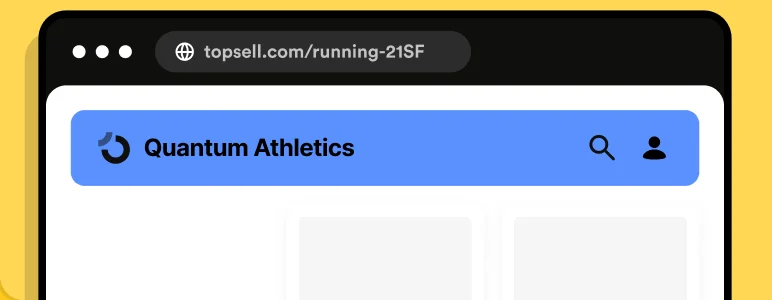
Input
Product page URLs
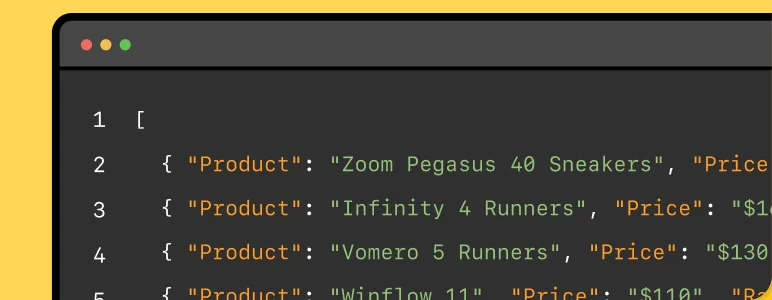
Output
Structured product and pricing data

Use ScrapingBee’s AI Web Scraper API to extract the data you need by describing it in plain English. ScrapingBee renders JavaScript pages, handles the scraping infrastructure, and uses AI to return the results—including structured JSON. Mike Ritchie CEO @
SeekWell ScrapingBee simplified our day-to-day marketing and engineering operations a lot. We no longer have to worry about managing our own fleet of headless browsers, and we no longer have to spend days sourcing the right proxy providerAI Web Scraper API for Structured Web Data
 based on 100+ reviews.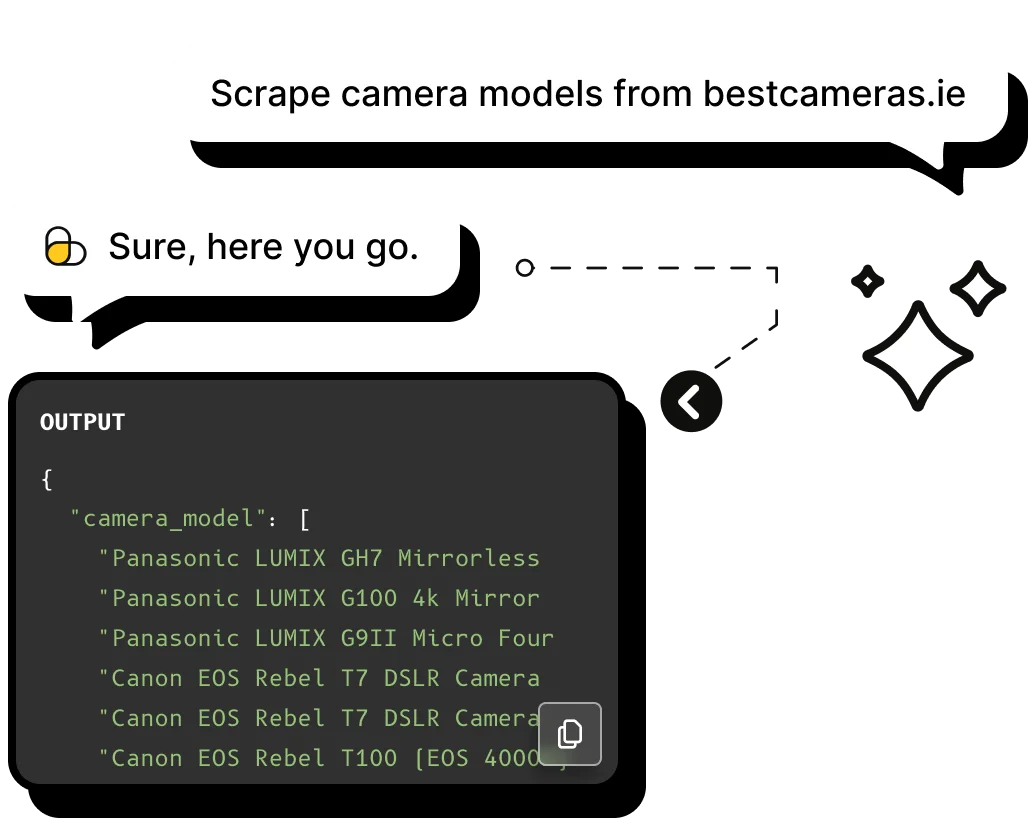


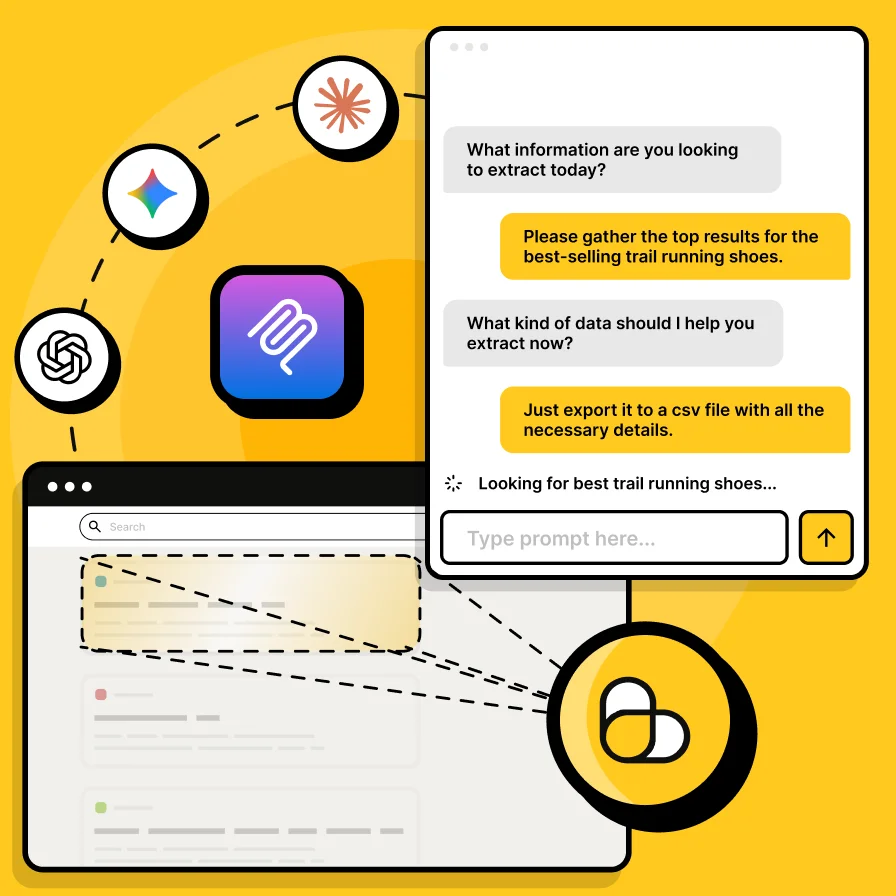
AI web scraping is the use of artificial intelligence to identify and extract useful information from web pages without relying entirely on fixed CSS selectors or custom parsing rules. An AI scraper can interpret page content, understand natural-language extraction instructions, and return relevant data in a structured format. This makes AI-powered web scraping especially useful for complex, unstructured, or frequently changing websites.
How it works
Create a ScrapingBee account and use your API key to authenticate requests to the Web Scraping API.
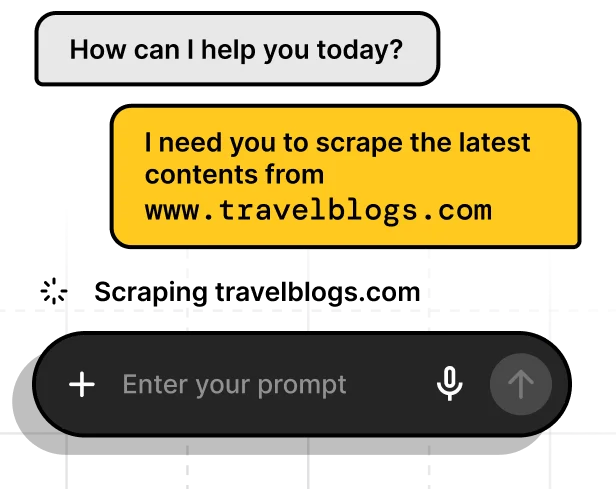
Provide the target URL and explain what you want to extract in plain English with ai_query, or define specific fields and data types with ai_extract_rules.
ScrapingBee loads the target page, renders JavaScript when needed, and passes the page content to the AI extraction layer to identify the information that matches your instructions.
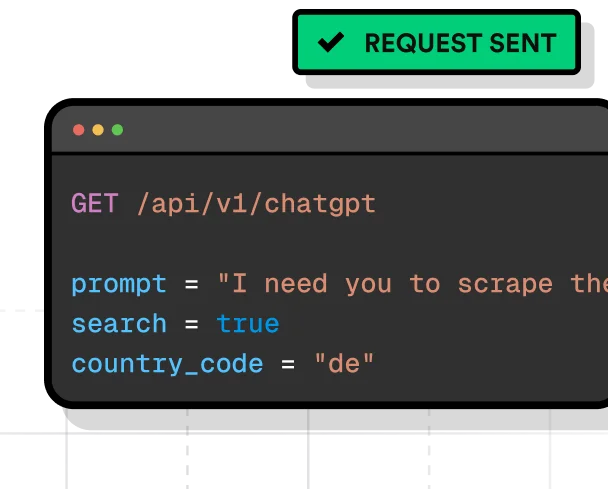
Get the result directly in the API response. Use free-form AI extraction for natural-language answers or extraction rules when you need predictable, structured JSON for your application or data pipeline.
Dev-friendly control
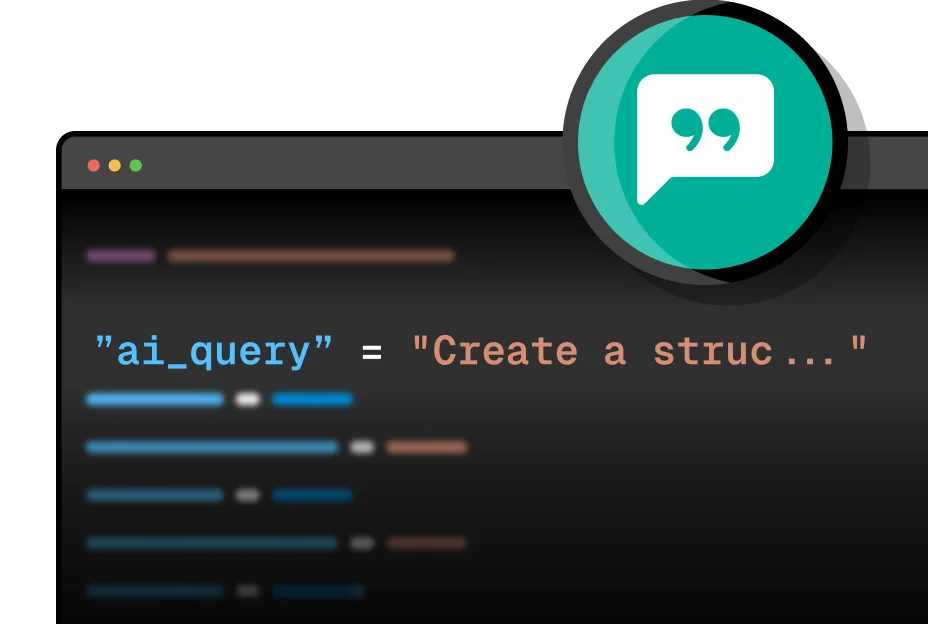
Natural-language query
Describe the information you want to extract from the page in plain English.
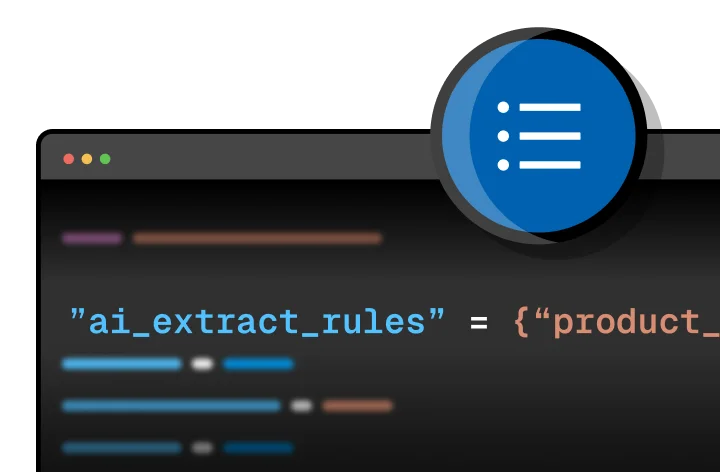
Extraction rules
Define the fields you want to extract using JSON rules with natural-language descriptions. ScrapingBee returns the matching data as structured JSON.
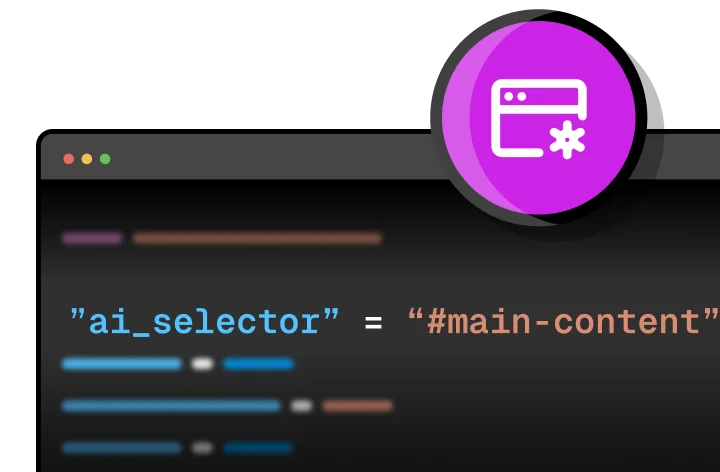
AI selector
Optionally provide a CSS selector to limit AI extraction to a specific part of the page, improving precision and reducing processing time.
See it in action
See how ScrapingBee turns natural-language instructions or extraction rules into structured web data. Try the examples with cURL, Python, JavaScript, or the ScrapingBee CLI and compare each request with its actual response.
Request
curl -G "https://app.scrapingbee.com/api/v1" \
  -H "Authorization: Bearer YOUR-API-KEY" \
  --data-urlencode "url=https://www.scrapingbee.com/blog/" \
  --data-urlencode 'ai_extract_rules={
    "title": "title of the blog post",
    "summary": "a 5 sentences summary of the blog post"
  }' \
  --data-urlencode "ai_selector=#content" \
  --data-urlencode "render_js=true"
Response
{
  "title": "How to web scrape with ScrapingBee",
  "summary": "We help you get better at web-scraping: detailed tutorial, case studies and writing by industry experts"
}
Features
AI-powered web scraping combines traditional scraping infrastructure with AI-based extraction, making it easier to collect structured data from complex and unstructured web pages.
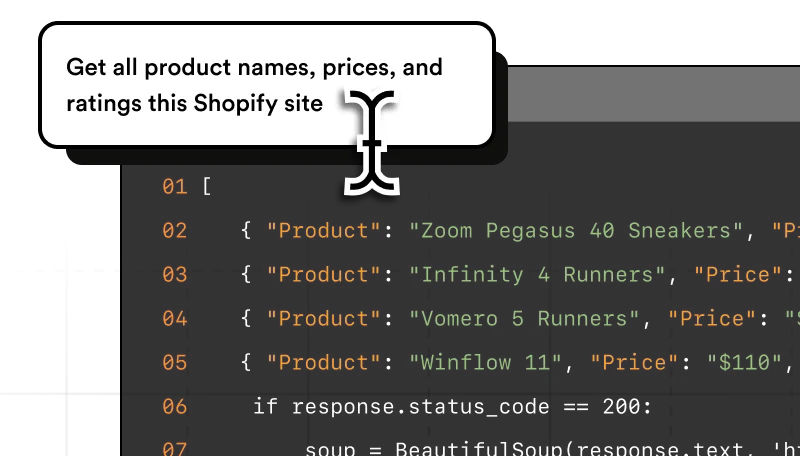
Describe the data you need in natural language instead of building and maintaining CSS or XPath selectors for every field.
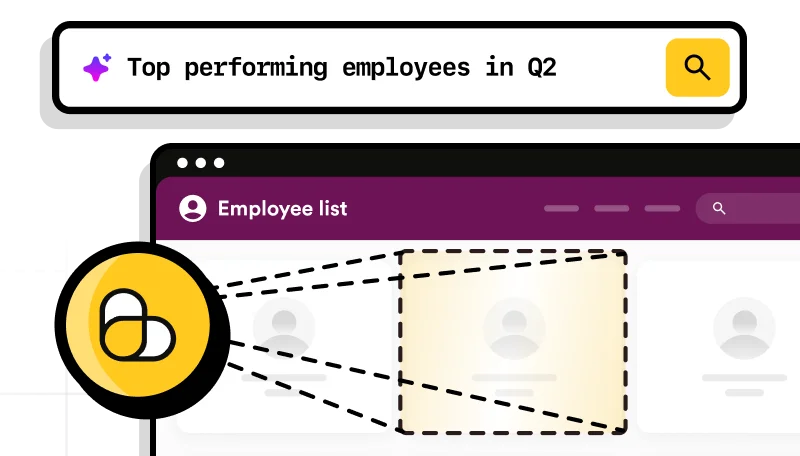
Use an AI scraper to identify useful information even when the source page does not provide a clean, predictable structure.
AI-based extraction relies less on exact element locations, making scraping workflows less brittle when page layouts change.
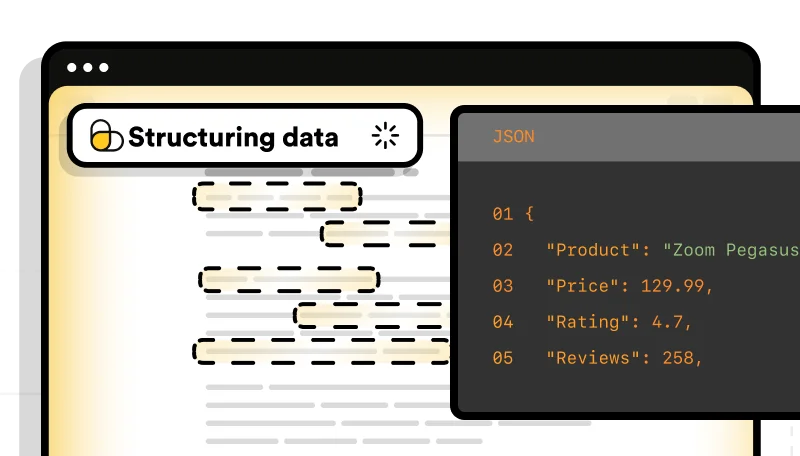
Define the fields and data types you need and receive structured results ready for applications, databases, or data pipelines.
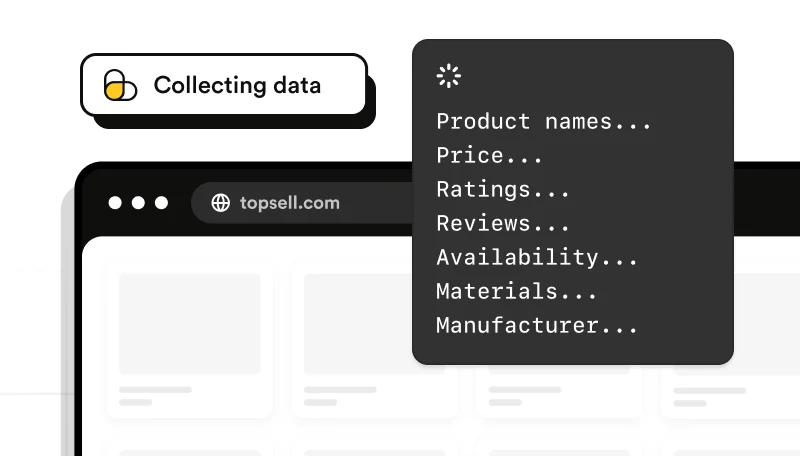
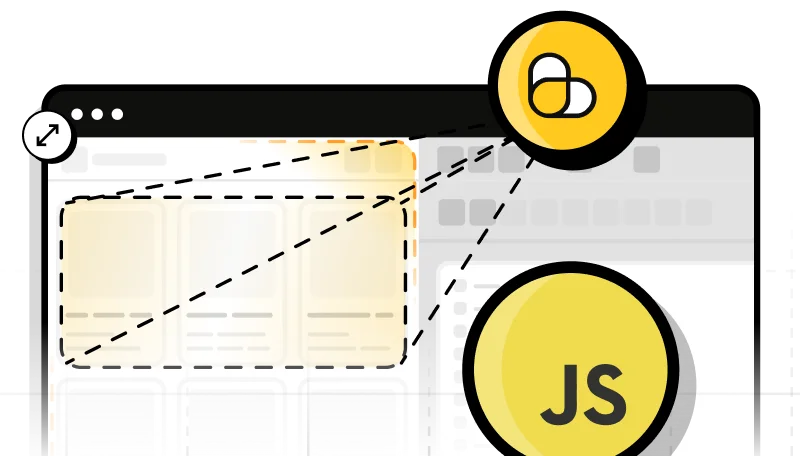
ScrapingBee can render JavaScript before AI extraction, allowing data to be collected from dynamic pages and single-page applications.
Use ScrapingBee's proxy infrastructure, including premium and stealth proxy options, without maintaining your own proxy pool.
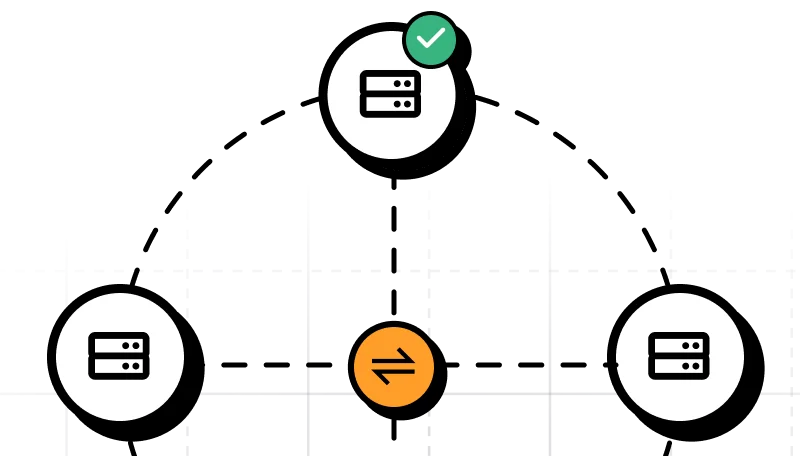
Run the same extraction workflow across many URLs without managing your own browsers, proxy rotation, or scraping infrastructure.
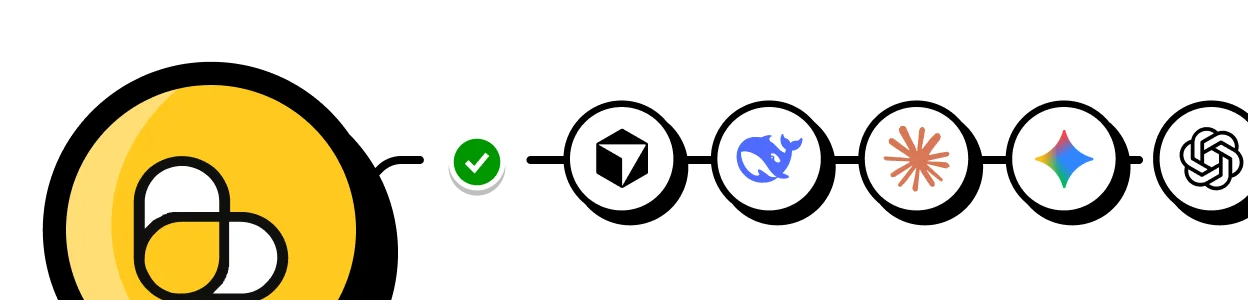
Choose how you want to bring AI-powered web scraping into your application, workflow, or AI agent.

Build web scraping into production applications
Send URLs and AI extraction instructions directly from your code. Use the API for applications, data pipelines, scheduled jobs, and large-scale scraping workflows.

Scrape, crawl, and test from your terminal
Run AI extraction without building an app first. Test queries, crawl websites, process batches of URLs, and export results from the command line.

Give AI agents access to live web data
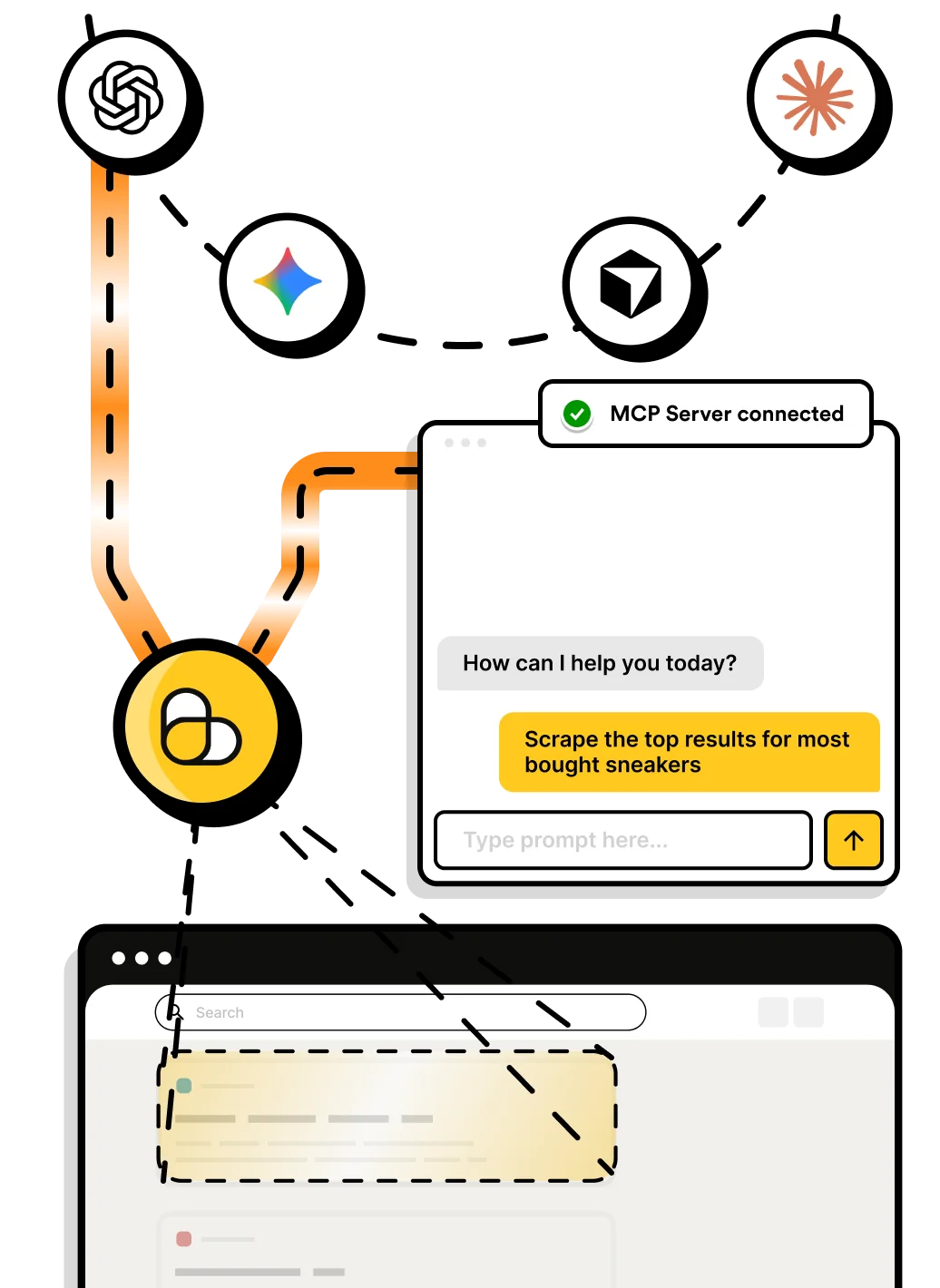
Connect ScrapingBee to MCP-compatible clients such as ChatGPT, Claude, or Cursor. Agents can scrape pages, search the web, and extract structured data when they need it.

Add web data to automated workflows
Use ScrapingBee with visual automation tools such as n8n and Make to scrape and extract web data without building the workflow from scratch in code.
Agents + Remote MCP
Connect ChatGPT, Claude, Cursor, or another MCP-compatible client to ScrapingBee and give your AI agents access to live web data whenever they need it.
Read clean page content for conversations, research, RAG, and other LLM workflows.
Retrieve the page source when your agent needs the underlying markup.
Extract specific fields from web pages and return them in a structured format.
Capture rendered pages for visual analysis and workflows that need more than text.
Search the web and let your agent discover pages before scraping them.
Use cases
Use AI-powered web scraping to turn changing, unstructured web pages into data your applications and workflows can use.
Extract product names, prices, availability, ratings, and other attributes across ecommerce pages.
Input
Product page URLs
Output
Structured product and pricing data
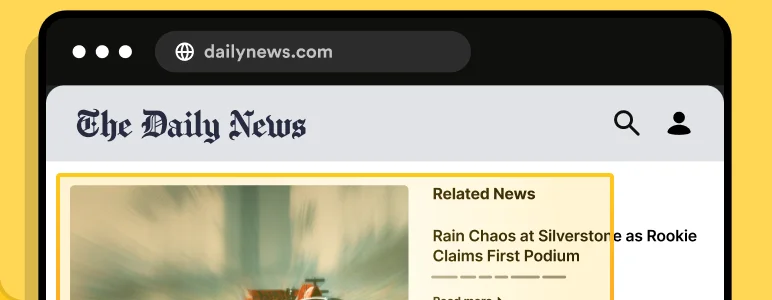
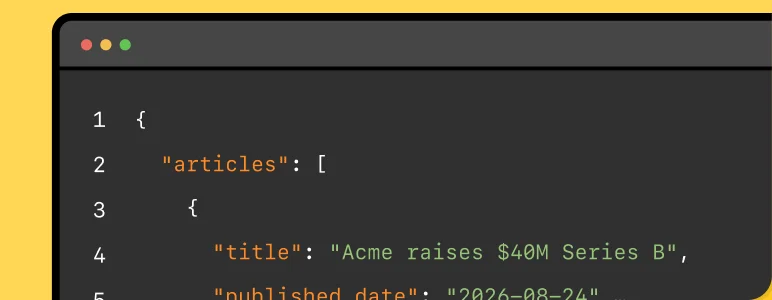
Collect relevant facts, announcements, article metadata, and other public information from multiple web sources.
Input
News and company pages
Output
Titles, dates, summaries, and source data
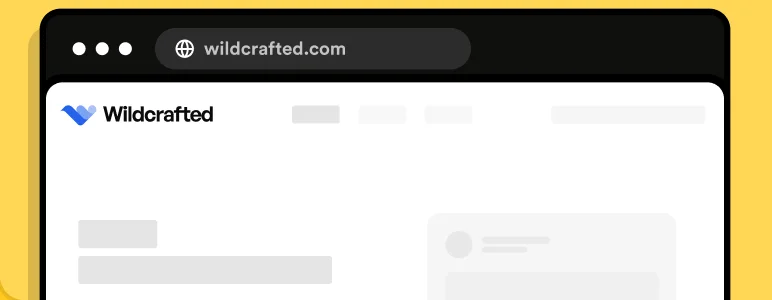
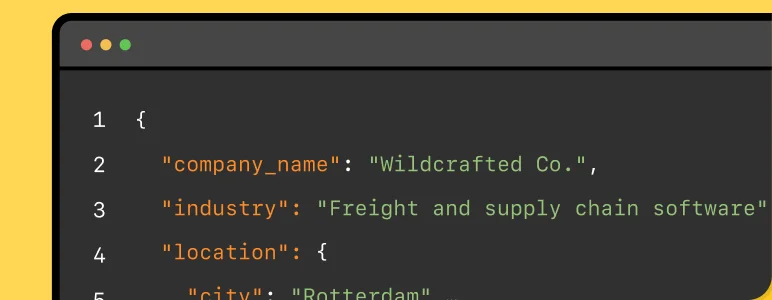
Enrich existing business records with publicly available company information from websites and directories.
Input
Company URLs
Output
Industry, location, description, and contact details when publicly available
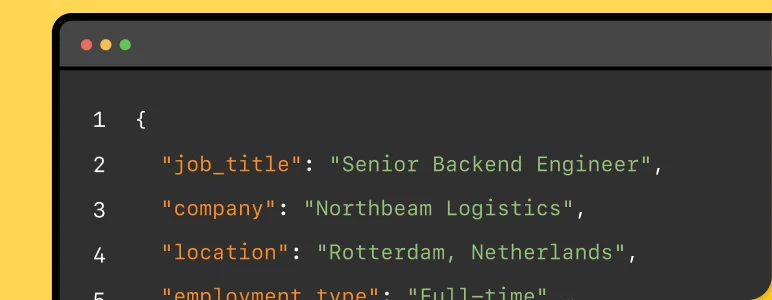
Extract job titles, locations, requirements, salaries, and other details from public job listings.
Input
Job listing pages
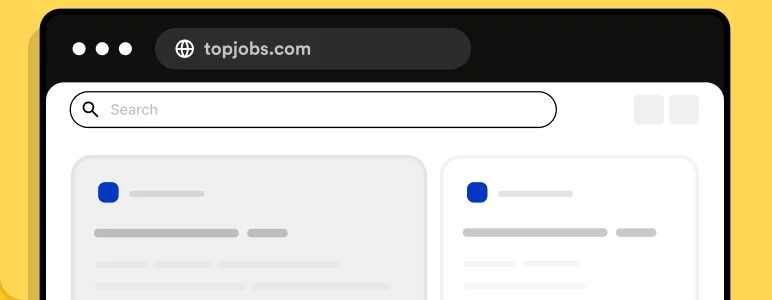
Output
Structured job records
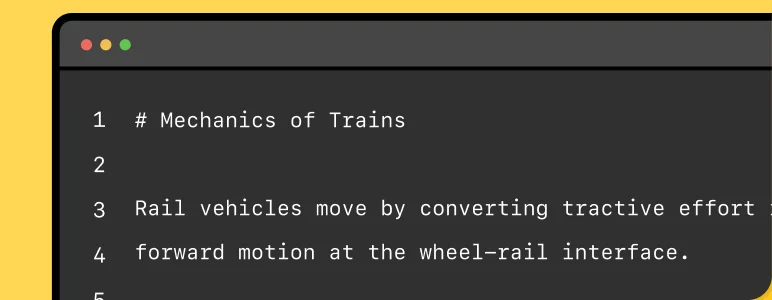
Convert web pages into clean text or Markdown for retrieval, indexing, knowledge bases, and other AI workflows.
Input
Documentation or content URLs
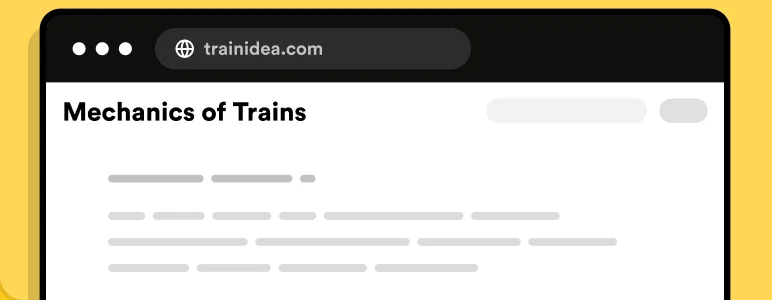
Output
LLM-ready text or Markdown
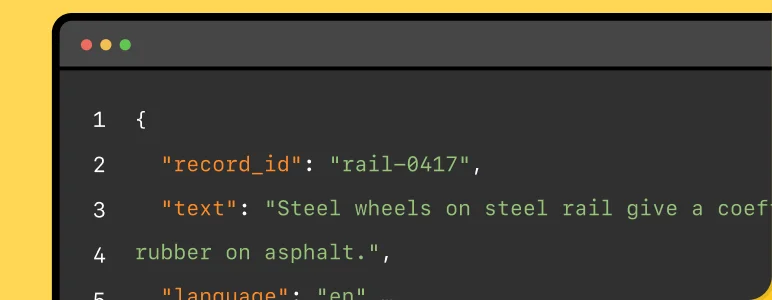
Collect and structure publicly available web data for permitted AI and machine learning datasets while respecting applicable laws, website terms, and data rights.
Input
Approved public web sources
Output
Structured dataset records
| Feature | AI web scraping | Traditional web scraping |
|---|---|---|
| Setup | Describe the data you need in natural language or define an extraction schema | Write parsing logic and selectors for the target page |
| Selectors | Can reduce or avoid field-specific CSS and XPath selectors | Typically relies on CSS selectors, XPath, or custom HTML parsing |
| Page changes | More tolerant of layout changes when the underlying content remains similar | Selector-based extraction may require updates when the DOM structure changes |
| Unstructured content | Well suited to identifying and extracting information from varied or loosely structured pages | Works best when the required data appears in predictable locations |
| Output | Can return requested fields as structured JSON or natural-language results | Returns whatever structure is defined by your parsing code |
| Validation | AI-extracted fields should be validated when accuracy is important | Deterministic parsing can provide highly predictable results when selectors remain valid |
| Best fit | Changing websites, heterogeneous pages, rapid extraction setup, and unstructured data | Stable page structures, highly deterministic workflows, and performance-sensitive extraction |
AI extraction still depends on getting the right page content first. ScrapingBee handles browser rendering and proxy infrastructure before the data is passed to the extraction layer.
Render dynamic pages in a headless browser before extraction. This helps with websites and single-page applications where important content is loaded by JavaScript.
Use fixed waits, browser events, or CSS/XPath conditions to delay extraction until the content you need has appeared on the page.
Run browser-based scraping without maintaining your own headless browser fleet. ScrapingBee handles the browser infrastructure behind each request.
Use premium proxy pools for difficult websites or stealth proxies for harder targets when the standard configuration is not enough.
Cancel anytime, no questions asked!
AI extraction cost
ai_query or ai_extract_rules consume 5 additional credits on top of the regular API request cost. The base request cost still depends on options such as JavaScript rendering and proxy type.ai_extract_rules parameter lets you describe the fields you want in natural language and receive structured JSON without writing a CSS or XPath selector for each field. You can also define expected data types such as strings, numbers, and booleans.ai_query for a natural-language result or ai_extract_rules for structured JSON. ScrapingBee's web scraping API can also return rendered HTML, page source, plain text, and Markdown, as well as capture webpage screenshots for workflows that need visual output.ai_query or ai_extract_rules with your scraping request. This makes it possible to add AI web scraping to Python applications, data pipelines, monitoring jobs, and other automated workflows without running your own browser or proxy infrastructure.--ai-query, --ai-extract-rules, and --ai-selector. You can also use the CLI for crawling websites, processing batches of URLs, JavaScript rendering, Markdown output, screenshots, and other scraping workflows.ai_selector to focus extraction on the relevant part of a page can also improve precision and reduce processing time.ai_query and ai_extract_rules parameters each add 5 credits to the regular cost of the scraping request. The base request cost depends on the other features used, such as JavaScript rendering or proxy options. New ScrapingBee accounts receive 1,000 free API credits to test the service.Explore practical guides and reference documentation for AI extraction, dynamic websites, LLM workflows, and AI agent integrations.
Learn how to use ai_query, ai_extract_rules, and ai_selector to extract web data using natural-language instructions and structured schemas.
View AI extraction docs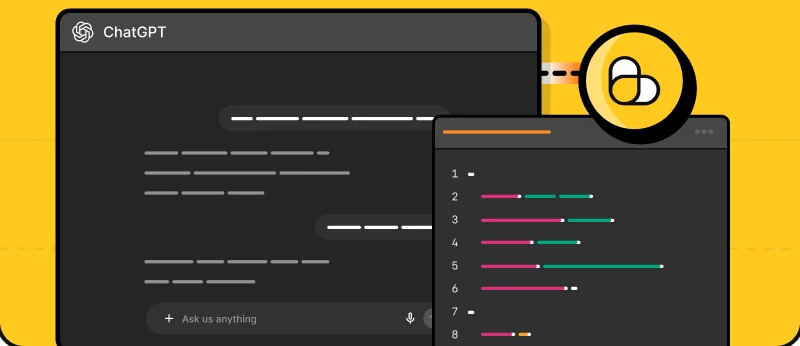
Build an AI web scraper in Python and extract structured data without maintaining field-specific CSS or XPath selectors.
Read the Python guide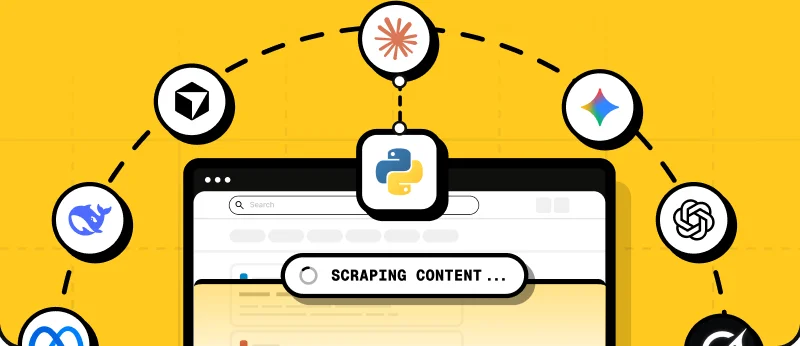
Test AI extraction from your terminal, scrape individual pages, crawl websites, process batches, and prepare data for LLM workflows.
View CLI documentation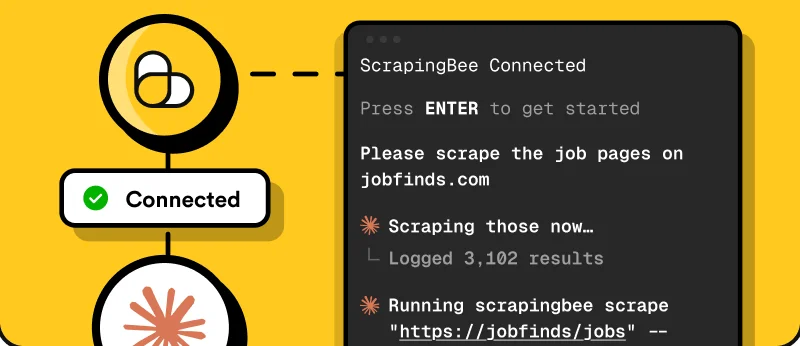
Connect ChatGPT, Claude, Cursor, and other MCP clients to ScrapingBee for live web scraping, search, screenshots, and data extraction.
View Remote MCP documentation
Return the main content of a web page as Markdown for LLM prompts, knowledge bases, RAG pipelines, and other AI workflows.
Learn about Markdown output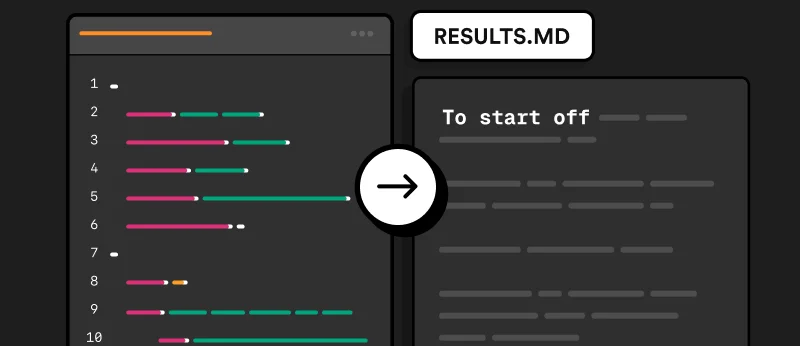
Render dynamic and JavaScript-powered websites in a managed browser before extracting the content you need.
View JavaScript rendering documentation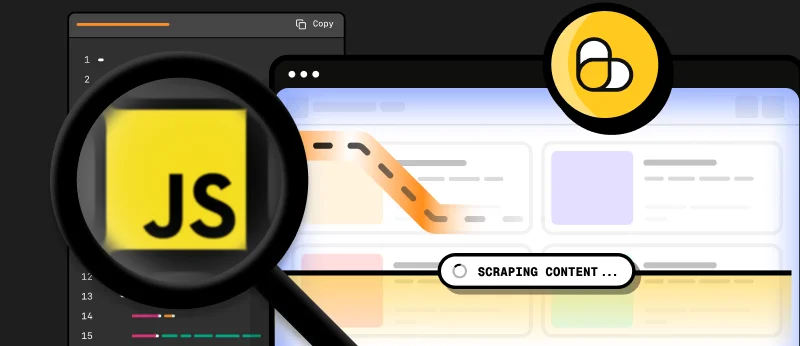
Review practical guidance on rate limits, website rules, data collection practices, and legal and ethical considerations when scraping the web.
Read web scraping best practices
Get 1,000 free API credits to test AI extraction, JavaScript rendering, and other ScrapingBee features.